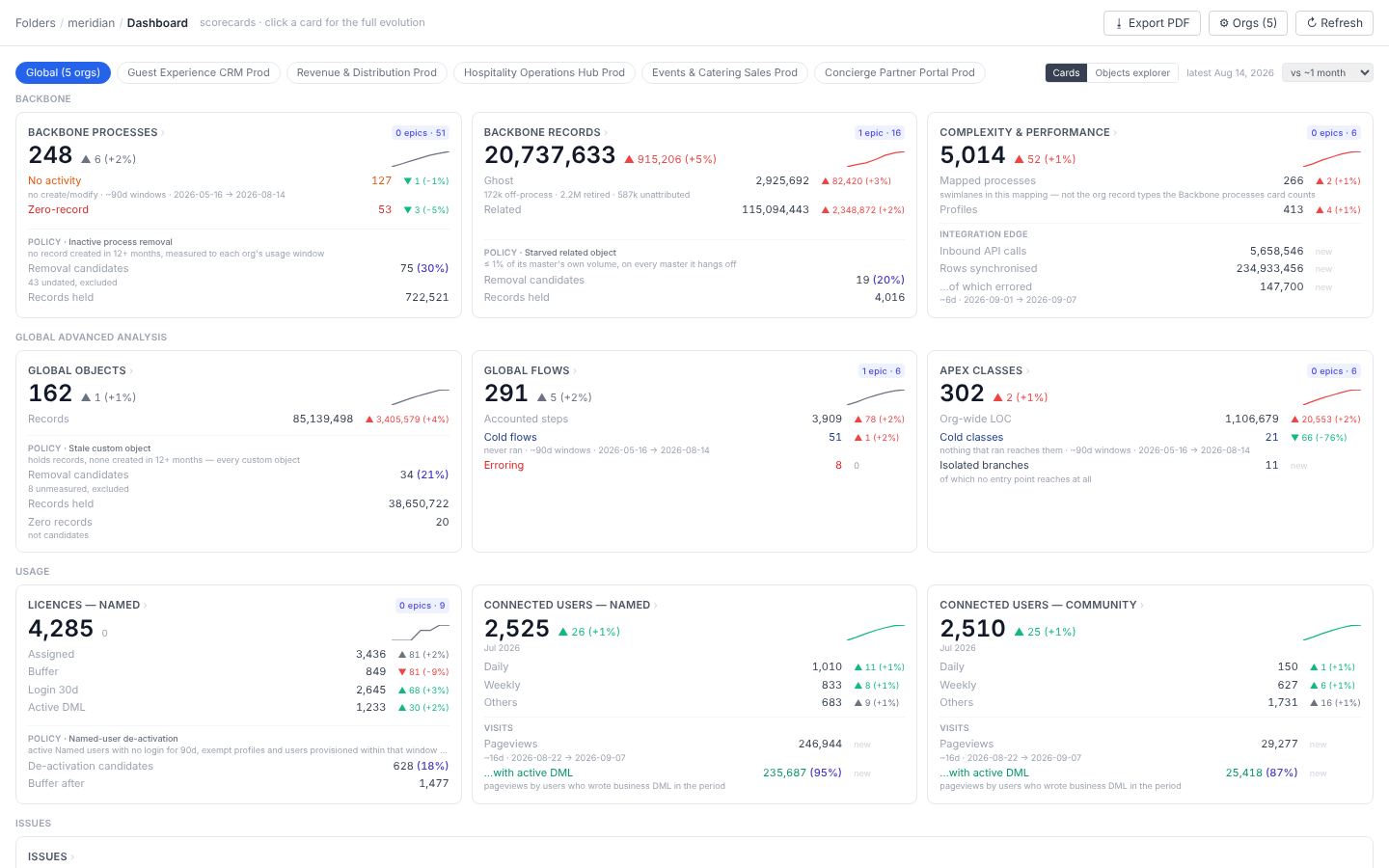
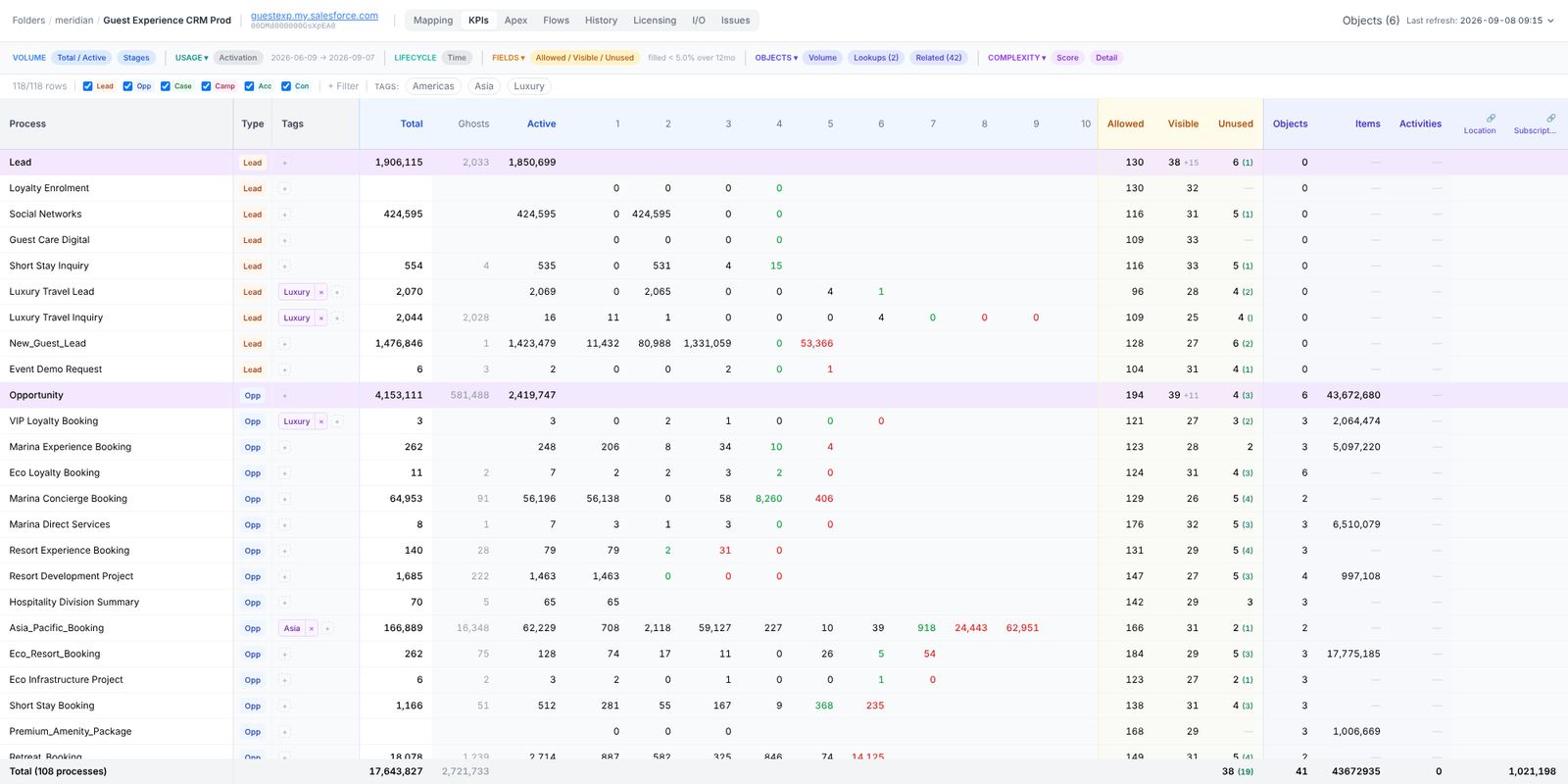
Stood Flows reads a Salesforce org — and a Marketing Cloud account — as one row per business process: what it is, who uses it, what it costs, what can go. These pages follow the questions in the order a new user asks them. Illustrative figures come from the Meridian demonstration estate; every screen is the real application on that estate.
Start here
Install and connect
A signed desktop app and the Salesforce CLI you already have. Your org is read through your own login, read-only, and everything lands in a folder on your machine.
Run a first audit
Create a folder, a graph, press Refresh. The backbone comes back in a minute or two; the deeper analyses are a click each, or one full run you can pause.
Read the matrix
One row per process. Learn what the stages column says, what a ghost is, and the nine row shapes that turn into a backlog.
Find your way by question
Get set up
Install, connect an org, run a first audit.
Read your org
One row per process: what the matrix says and what to detect in it.
See who uses what
Seats, logins, writes, screens and objects — the evidence behind a licence decision.
Automation and code
Triggered flows, Apex and integrations: what runs, what never does, what to retire.
Run the estate
Every org side by side, the contract, the backlog, the business case.
Marketing Cloud
Business units next to the orgs they feed: reach, cost, data extensions.
Work as a team
Share a folder, choose roles, run long analyses, and what stays on your machine.